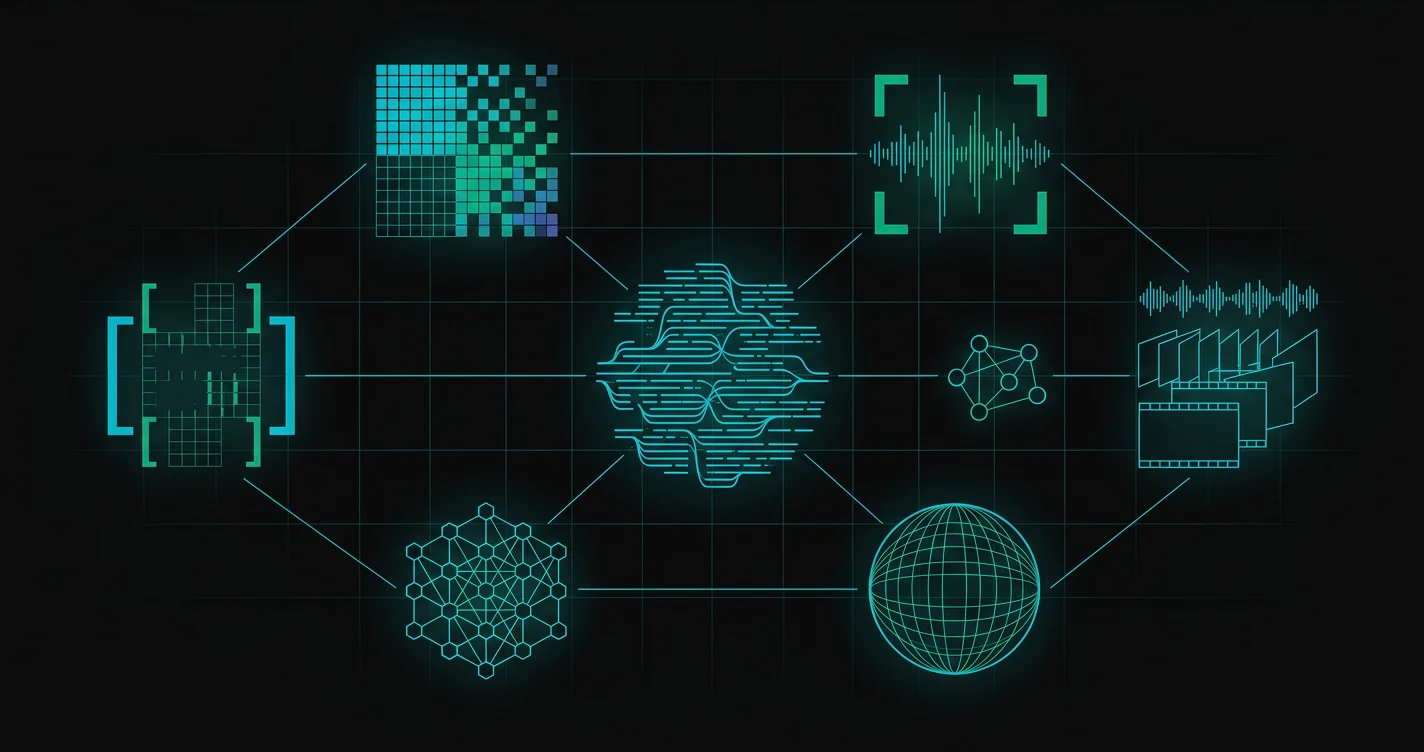
Eight kinds of AI tool exist today. Each one solves a different problem, costs a different amount, and fits a different way of working.
This guide breaks down every major type. It starts with large language models like ChatGPT and Claude, then covers coding agents, image makers, and open-source models you can run on your own machine. No hype, no rankings based on vibes. Just what each tool does, and who it works best for.
Large Language Models (LLMs)
Large language models are the base of modern AI. You type text in, you get text out. But the four major LLMs each have one clear strength, and that is what sets them apart.
ChatGPT OpenAI
ChatGPT is still the AI tool with the most features. It writes text, makes images, talks, reads PDFs, and searches the web, all in one place. Model tiers let you trade speed for depth: the free tier covers the basics, and the Go plan ($8/month) unlocks the flagship model. Plus ($20/month) adds advanced reasoning with GPT-5.4, and Pro ($200/month) gives unlimited access to everything, including research-grade deep thinking.
Claude Anthropic
Claude has fewer surface features than ChatGPT, and it does not make images, for one. But many pros rate it the strongest model overall. It is best at coding, writing, and hard work tasks: reading spreadsheets, changing Excel files, working through large data sets. Claude plugs straight into Gmail, Notion, Figma, Slack, HubSpot, and other tools, and you can also build custom skills that set how Claude takes on specific tasks.
Gemini Google
Gemini stands out for two reasons, and the first is speed. Google makes their own chips, so the model runs faster than its rivals. The second is a thing no other major model can do: it takes in video. Upload a clip, ask about any frame, and Gemini reads the whole video frame by frame. It runs the best image model (Imagen, codenamed Nanobanana), and it ties in deep with Google products: Gmail, Drive, and web search. The context window matches its rivals at one million tokens.
Grok xAI
Grok does one thing better than any rival: it searches Twitter/X in real time. It can pull live posts from the platform at any moment. That makes it strong for tracking trends, watching talk, and real-time social research. The model itself is good, but it does not match ChatGPT, Claude, or Gemini on overall power, or on the spread of features.
| Model | Best For | Image Gen | Voice | Video Input | Starting Price |
|---|---|---|---|---|---|
| ChatGPT | All-in-one ease of use | Yes | Yes | No | Free / $8/mo |
| Claude | Coding and complex work | No | No | No | Free / $17/mo |
| Gemini | Research and video analysis | Yes (best) | Yes | Yes (unique) | Free / varies |
| Grok | Twitter/X real-time search | Yes | Yes | No | Free / $30/mo |
Each major AI lab leads in one area. OpenAI leads in ease of use, Anthropic in coding and hard work, Google in research and search, and xAI in real-time social intelligence.
Open-Source AI Models
Some people want full control, and open-source models can be downloaded and run on your own machine.
Benefits
- Full privacy: your data never leaves your machine
- No monthly fees beyond hardware and power
- Full control including fine-tuning and reinforcement learning
- A first-hand look at how AI models work from the inside
Drawbacks
- More setup work up front, though tools like LM Studio make it much easier
- Open-source models are not as strong as frontier hosted models, but for 95% of use cases they are good enough
Key Open-Source Models
Image Generation Models
Image generation models take a text prompt and make an image in seconds. The tech has reached a point where you often cannot tell the result from a photo.
Key Image Generation Models
Open-source image models run far better at home than text models do. Even a mid-budget computer makes good results, which makes images the easiest group to run on your own machine.
Video Generation Models
Video generation models make video from a text or image prompt. They need far more computing power than image models, and they are harder to run at home.
Several video models do run at home, but they need strong hardware with high-end GPUs.
World Models
World models are like video generation, but you can play with them. The output works like a video game, and they build a world rather than film one. This group is very new, and real uses are still few.
Coding Agents
Coding agents wrap a frontier model in a scaffold, which is a set of tools. They let the AI read your codebase, write code, run it, and test it on its own. This is the part of AI that has paid off fastest in money terms.
Audio Models
Audio AI covers voice synthesis, voice cloning, text-to-speech, music, and sound effects.
Voice and Speech
The top voice synthesis platform, best at voice cloning, many languages, and speech that sounds real. Write a script in text and ElevenLabs speaks it, and the result is close to the real thing. You can also feed it a sample of your own voice to clone.
A voice-first AI helper: talk to it, ask things, give orders, and it answers out loud in real time. You can pick a voice, and you can cut in while it talks.
Music and Sound
You can now make a whole song from one text prompt. Several platforms build music, sound effects, and audio from a text brief.
How to Choose the Right AI Tool
Each major AI lab leads in one area, so your pick depends on what you need most.
Quick Reference
| If you need... | Use... |
|---|---|
| One tool that does everything | ChatGPT |
| Strongest coding and writing model | Claude |
| Deep research with multiple sources | Gemini |
| Real-time social media intelligence | Grok |
| Full privacy and local control | Open-source (DeepSeek, LLaMA) |
| Best image generation | Gemini (Imagen) or Midjourney |
| Video generation | Sora 2 or Veo 3 |
| Voice synthesis and cloning | ElevenLabs |
| Code generation with IDE integration | Cursor or Claude Code |
Many AI tools now make output in every group, so checking that output matters, above all for high-stakes work. A claim from one model can be confidently wrong. Cross-checking across models catches errors that any one tool would miss.
Frequently Asked Questions
What are the main types of AI tools available today?
There are eight major groups: large language models (ChatGPT, Claude, Gemini, Grok), open-source models you can run at home, image generation models, and video generation models. Then world models that build a world you can move through. Finally coding agents that write and test code on their own, and audio models for voice synthesis, cloning, and music.
What is the difference between ChatGPT, Claude, and Gemini?
ChatGPT (OpenAI) is the all-in-one tool with the most features: text, images, voice, and web search. Claude (Anthropic) is rated the strongest model for coding, writing, and hard work tasks. Gemini (Google) is best at deep research and web search. It is also the only major model that can take in video and read it frame by frame.
Which AI model is best for coding?
Claude (Anthropic) is widely rated the best model for coding tasks. For a full coding setup, Cursor and Claude Code lead the coding agents. They wrap AI models in tools that can read code bases, write code, run it, and run tests on their own.
Can I run AI models on my own computer?
Yes. Open-source models like DeepSeek, LLaMA, Qwen, and Gemma can be downloaded and run at home with tools like LM Studio. You get full privacy, no monthly fees, and full control. The trade-off is power: open-source models are not as strong as frontier hosted models, but they handle 95% of everyday use cases well.
What is the best AI image generator in 2026?
Google's Imagen model (codenamed Nanobanana) is rated the best image generator right now, and you reach it through Gemini. Midjourney is still strong for art, and for home use, Stable Diffusion and Flux run well even on mid-budget hardware.
Are open-source AI models good enough for everyday use?
For 95% of use cases, yes. Open-source models handle writing, coding, analysis, and Q&A well. They fall short on the hardest tasks, where frontier models like GPT-5.4 or Claude shine, but for everyday work the gap in quality is small.
What are coding agents and how do they work?
Coding agents wrap a frontier AI model in a scaffold, which is a set of tools. They let the AI read your code base, write code, run it, and test it. The leaders are Cursor (IDE-based), Claude Code (terminal-based, from Anthropic), Codex (from OpenAI), and Devin (autonomous). This is the area where AI has paid off fastest in money terms.
Which AI tool is best for research?
Gemini (Google) is the best for deep research, and its deep research mode builds reports from many sources. Built-in Google Search gives it an edge over its rivals. For social media, Grok is best at searching Twitter/X in real time.
What is a world model in AI?
World models are AI systems that build a world you can move through. Think video generation, but you play with the output like a video game. Examples: Google's Genie 2, World Labs' Marble, Tesla's Full Self-Driving (which drives the real world), and NVIDIA's Cosmos (which builds test worlds for robotics). The group is very new, and real uses are few so far.
How much do AI tools cost?
Most major AI tools offer free tiers. ChatGPT's paid plans run from $8 to $200/month, Claude from $17 to $200/month, Gemini across several paid tiers, and Grok at $30 or $300/month. Open-source models are free to run, and you only pay for hardware and power. Coding agents like Cursor have their own plans.
Keep reading
Multi-Agent vs Multi-Model AI in 2026
AI builders use both terms as if they meant the same thing. They are different architectures with different strengths. The difference matters most for the one job neither term sells: catching AI errors before you publish.
3 AI Stress Tests from Q2 2026
In April 2026, top AI builders ran real experiments instead of demos. The results were more interesting than the demos. Here is what each test reveals, and why none of them fully answers the question writers care about.
What Is AI Slop, and How to Avoid It
Slop and AI-assisted work can look identical on the page. The line between them is whether you verified the output, and whether you can prove it.
AI Cloned Your Podcast. Now What?
Three different problems hurt real creators when AI is involved. Identity attestation, AI detection, and claim verification each need a different tool.
Your Agent Graph Has a Skeptic Node. Which Model Runs It?
Graph engineering says the checker should be a separate job, and never a separate model. In practice the skeptic node runs on the one that wrote the answer.
Verify AI Output Before It Costs You
Every AI model gets things wrong. TrueStandard runs your content through 4-5 models at once. It shows where they agree, where they disagree, and what needs a human look. 60 seconds.
Verify AI Output with TrueStandard